The new integration between Zimbra and Nextcloud is finally available.
Business collaboration becomes even simpler and more efficient thanks to the new integration features between Zimbra and Nextcloud. This significant evolutionary update allows you to manage attachments and documents more intelligently, improving productivity, security, and file control.
Let’s discover all the new features together.
🔗 Direct access to Nextcloud files from Zimbra
Thanks to the latest Zimlet developed by the ilger.com team, you can now access files stored on Nextcloud directly from the Zimbra Web interface. There’s no need to switch platforms or open new windows: everything is integrated into a single work environment.
Benefits:
- Quick access to documents
- Reduced operating times
- Greater workflow continuity
• Classic and/or Modern UI
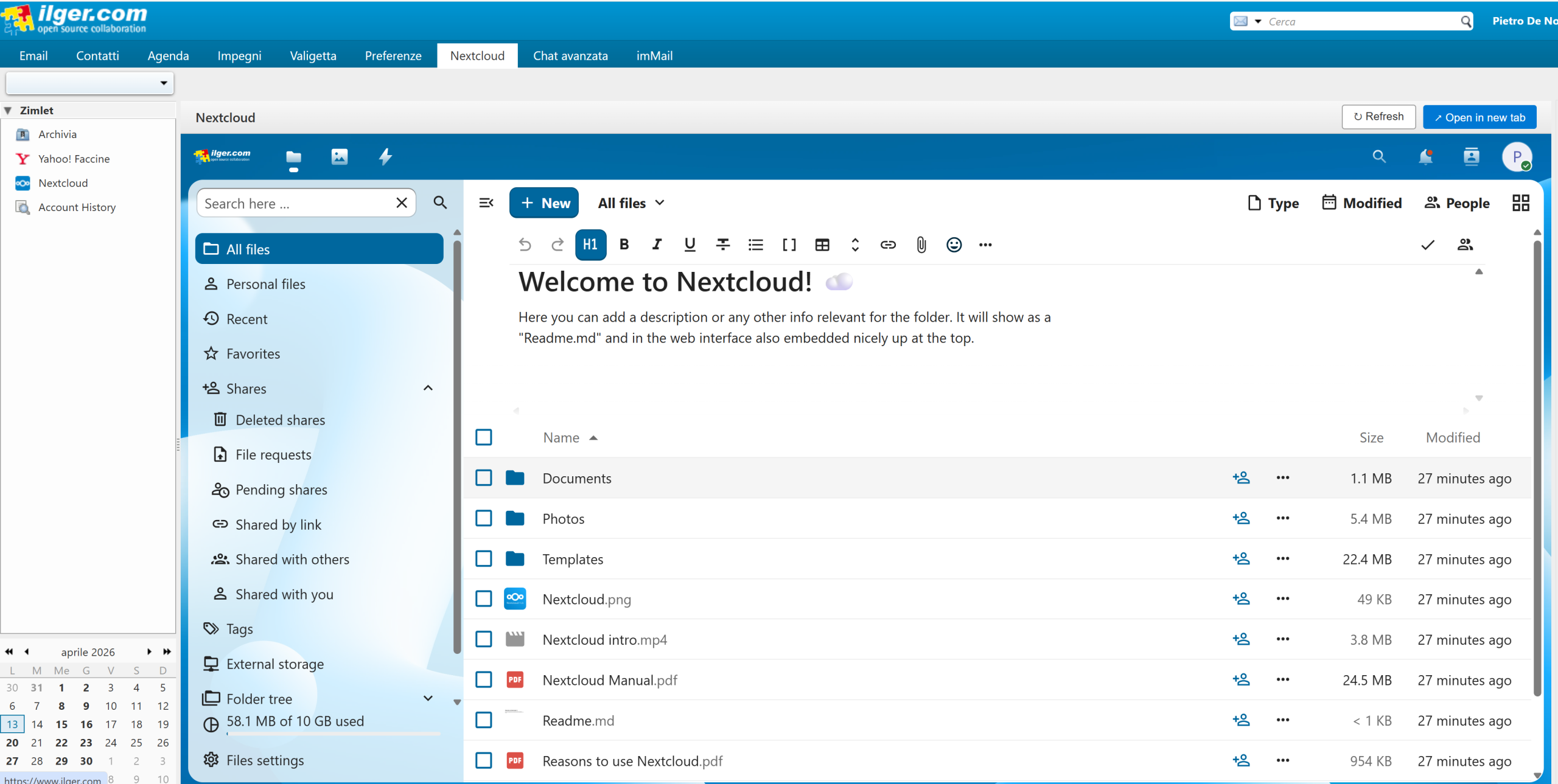
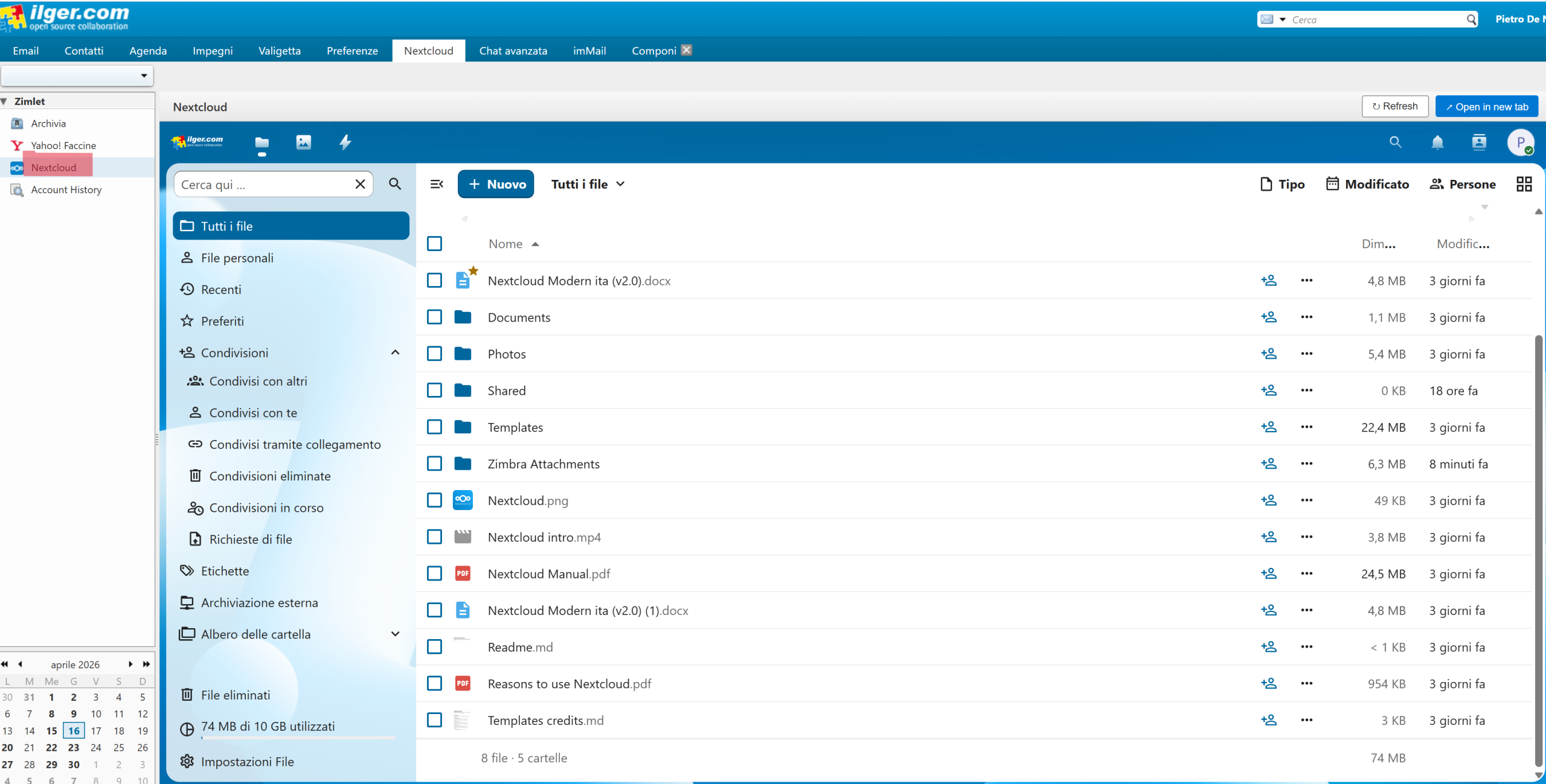
🗂 Dedicated button to open Nextcloud in a new tab
From the Zimbra tab, you have complete access to all your NextCloud files and folders directly from webmail.
Actions such as sharing files, creating a new folder, moving files, uploading and downloading, renaming, deleting, and copying are easily available directly from this tab. This means:
- Instant navigation between emails and documents
- Smoother user experience
- Greater efficiency in managing daily tasks
- Classic and/or Modern UI
Attaching files from Nextcloud
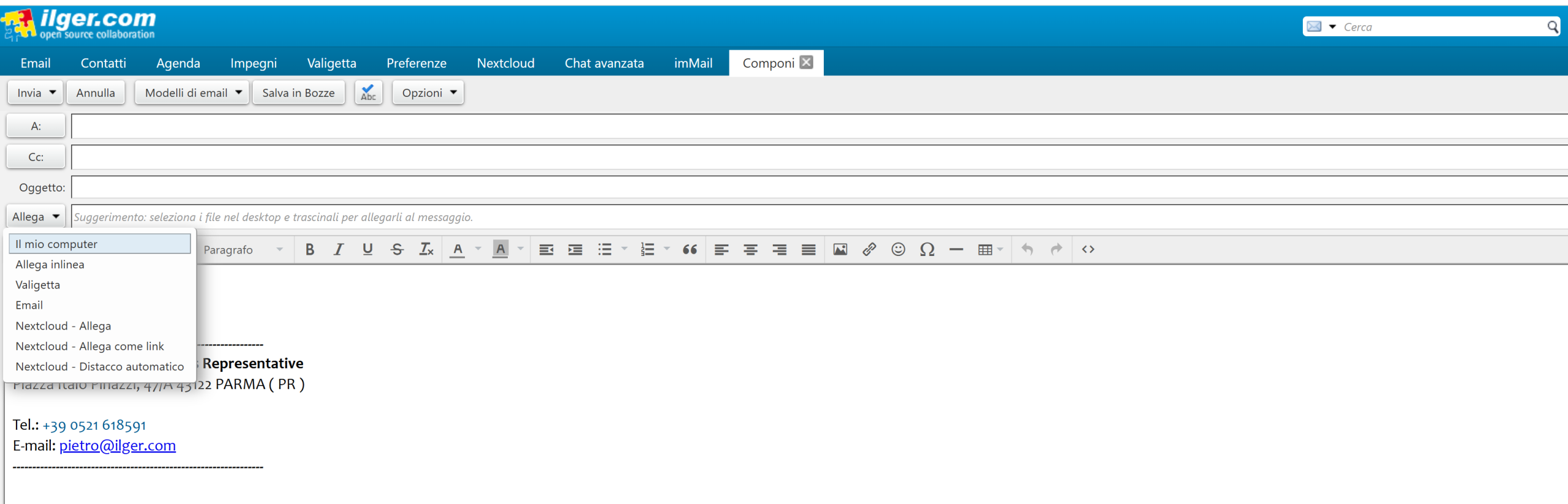
📄 Attach files directly from Nextcloud
You can attach files to your email directly from Nextcloud, without having to download them to your computer first.
This allows for:
- Greater speed
- Elimination of intermediate steps
- Centralized document management
- Classic and/or Modern UI
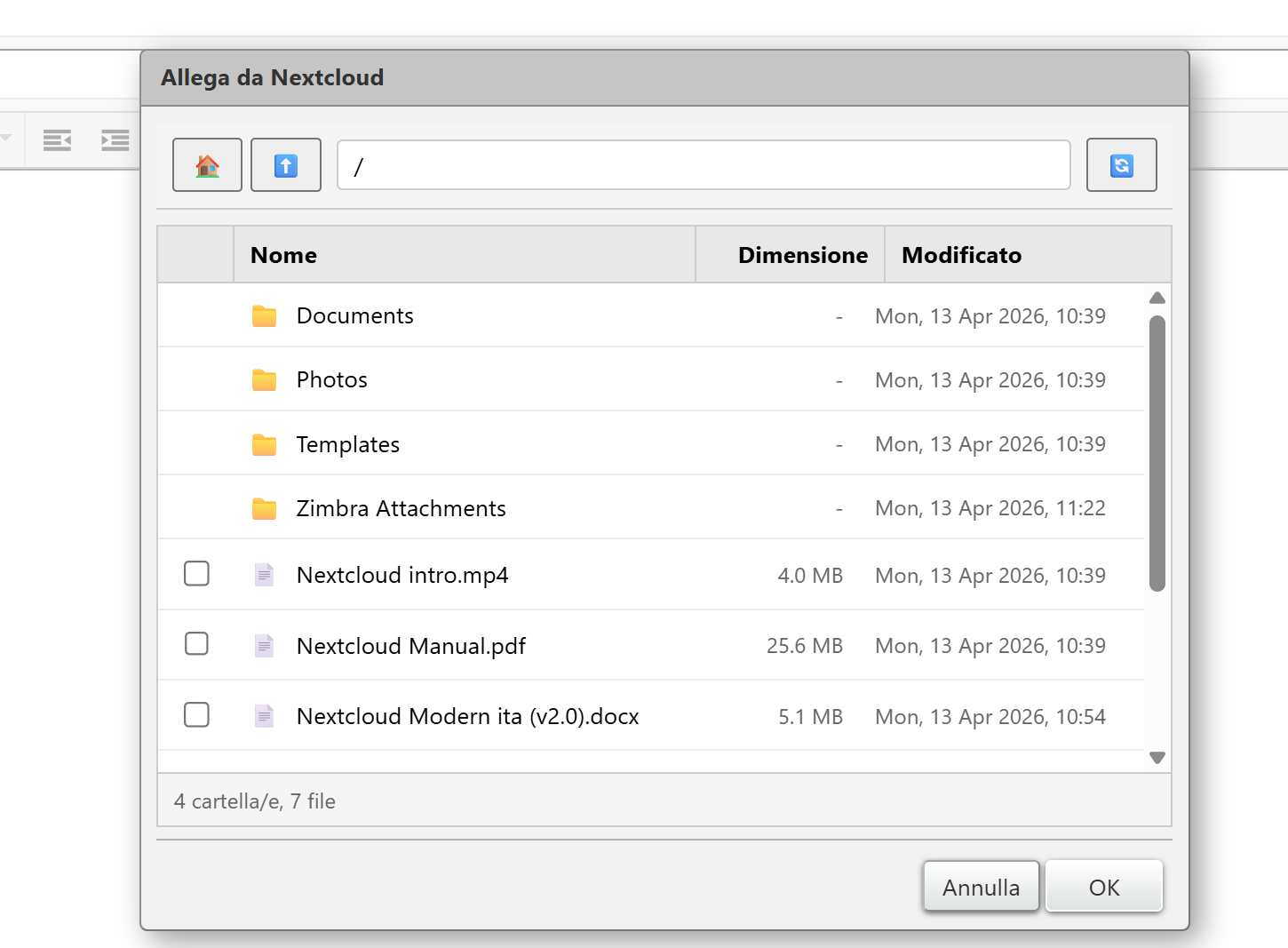
🔗 Attach files as links from Nextcloud
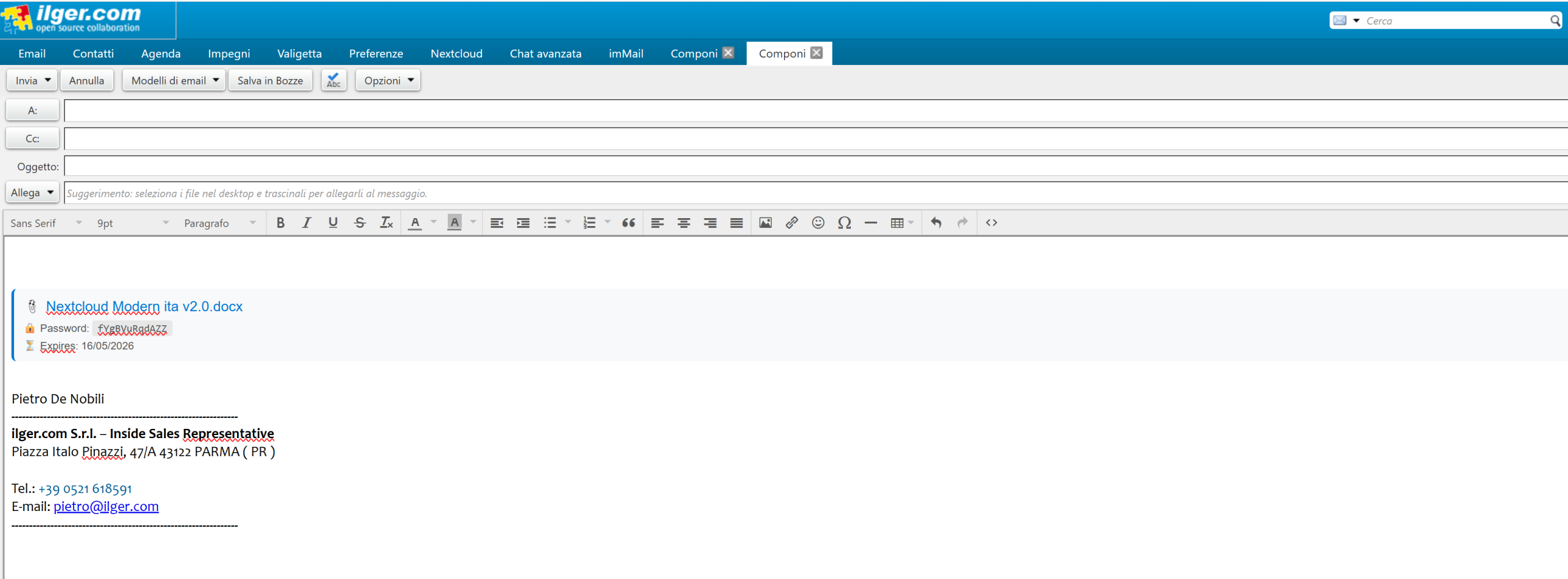
When composing an email, you can select a file from Nextcloud and attach it as a shared link.
Perfect for:
- Large files
- Documents that require continuous updates
- Team collaboration
- Classic and/or Modern UI
The recipient will receive a link to always access the most up-to-date version of the file.
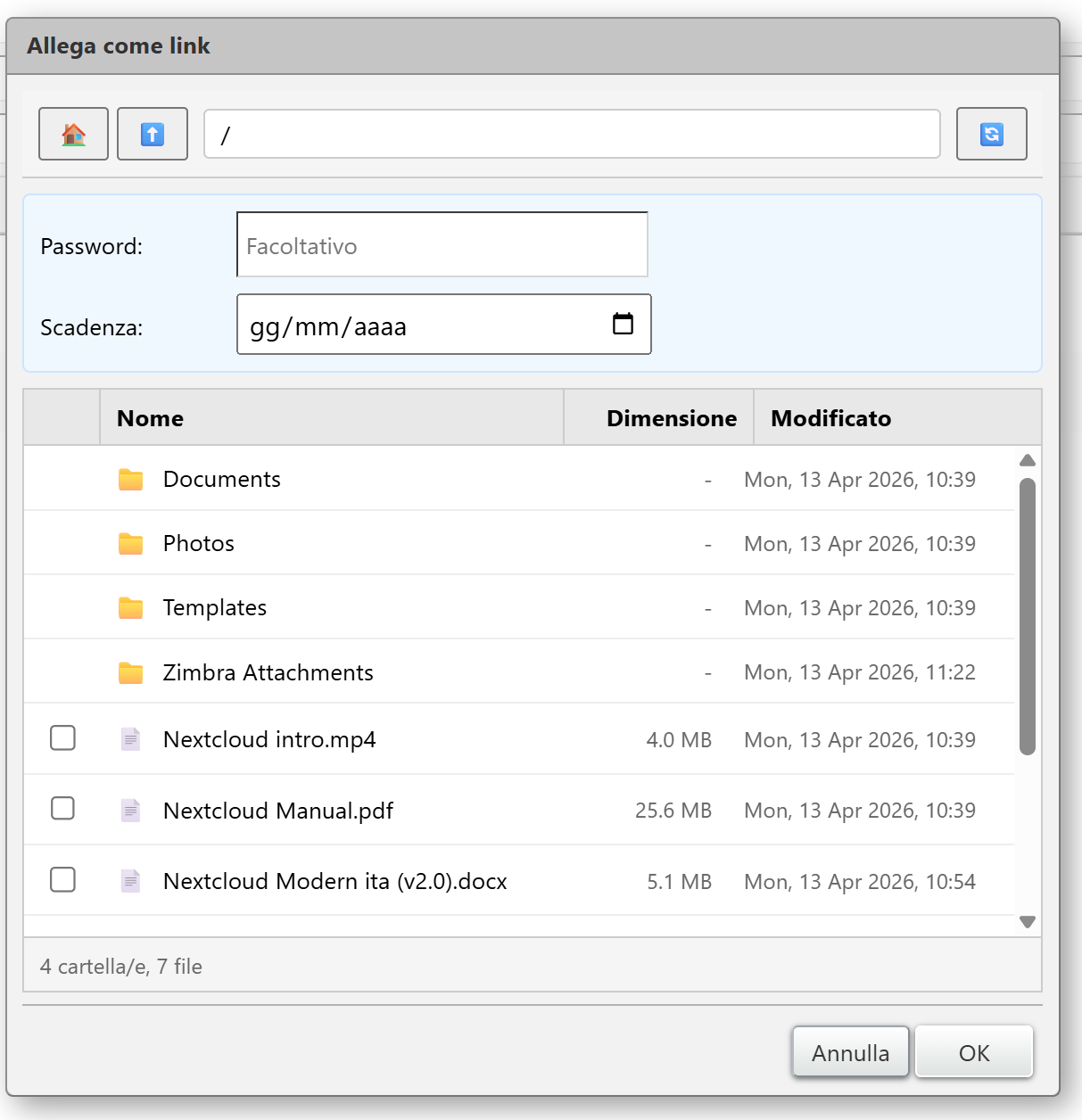
📎 Intelligent automatic detachment of attachments
One of the most innovative features is Auto-Detach:
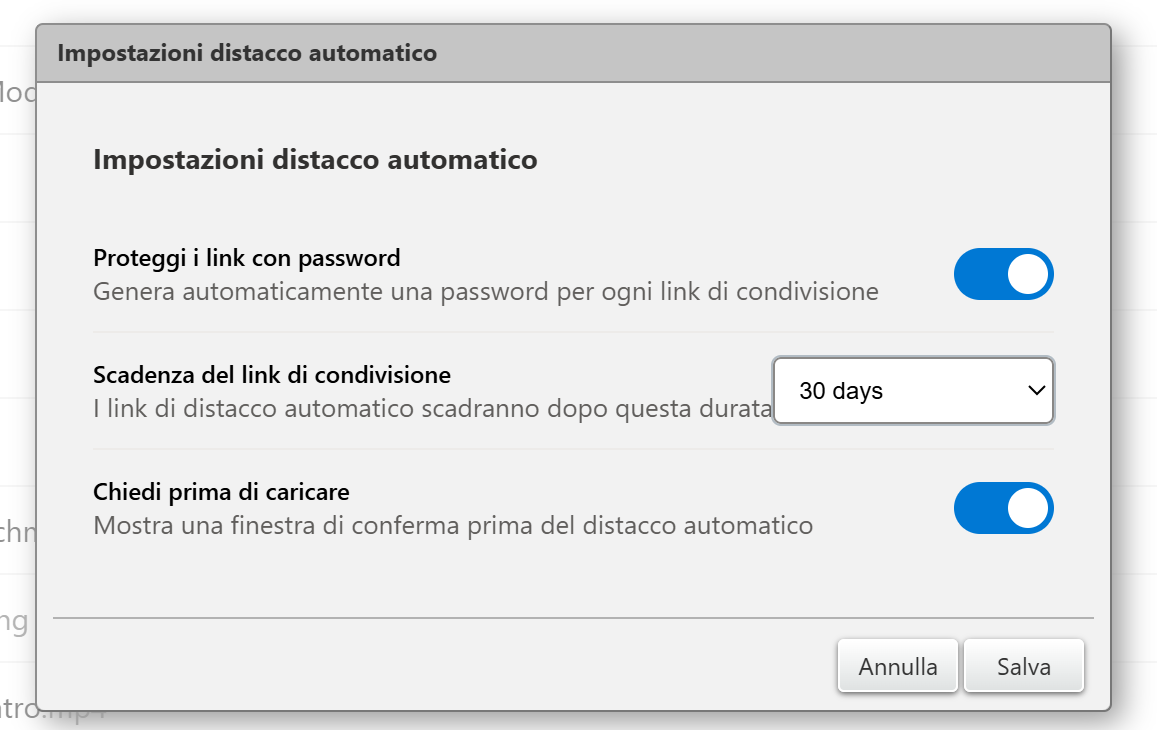
When an attachment exceeds the maximum size configured in Zimbra, the system automatically uploads it to Nextcloud and replaces it in the email with a secure link.
Main benefits:
- Reduced load on the mail server
- Exceeding attachment size limits
- Greater security when sharing files
• Optimization of storage space
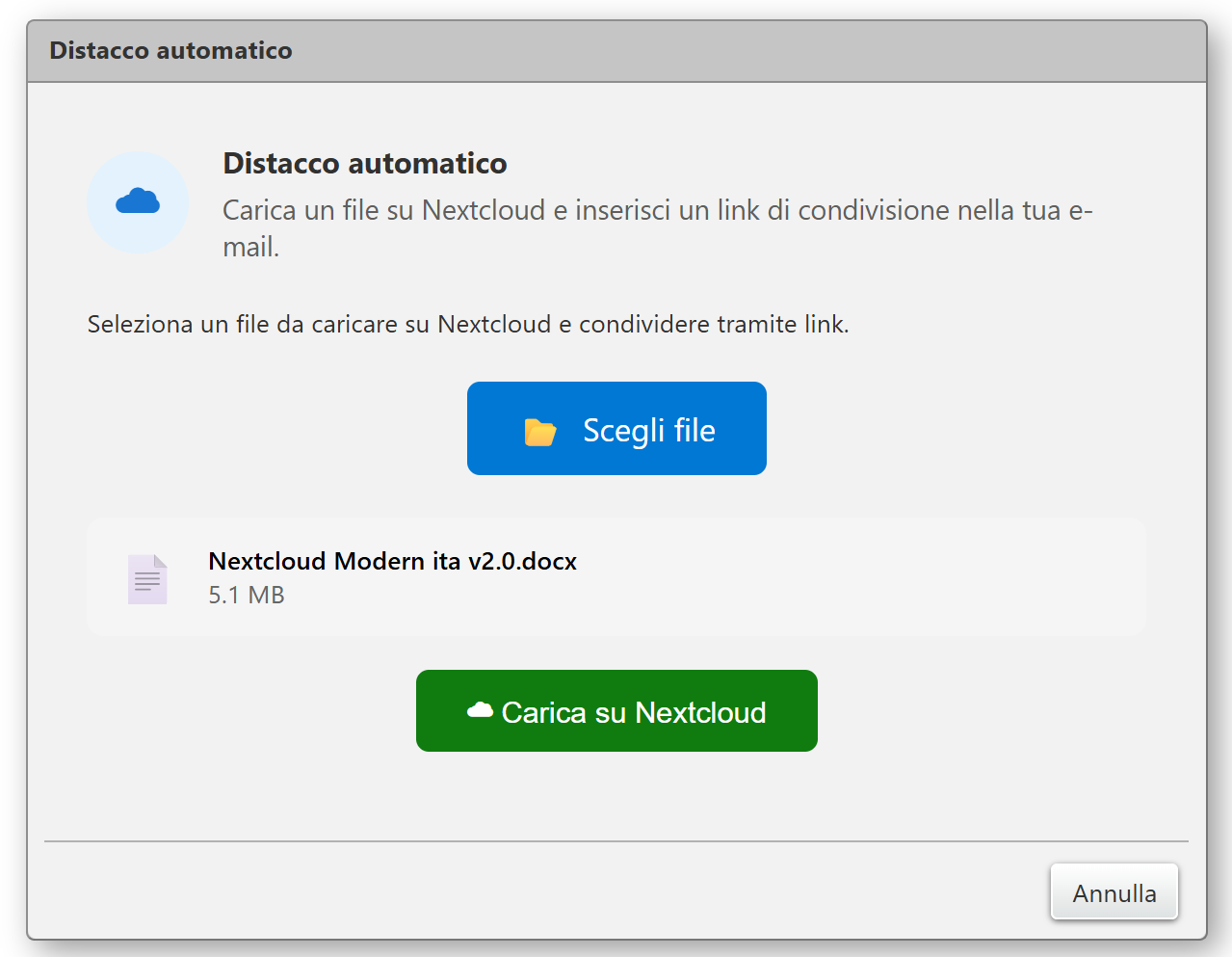
You can also set up file sending with a security password and an expiration period by clicking Nextcloud on the left.
💾 Saving attachments to Nextcloud
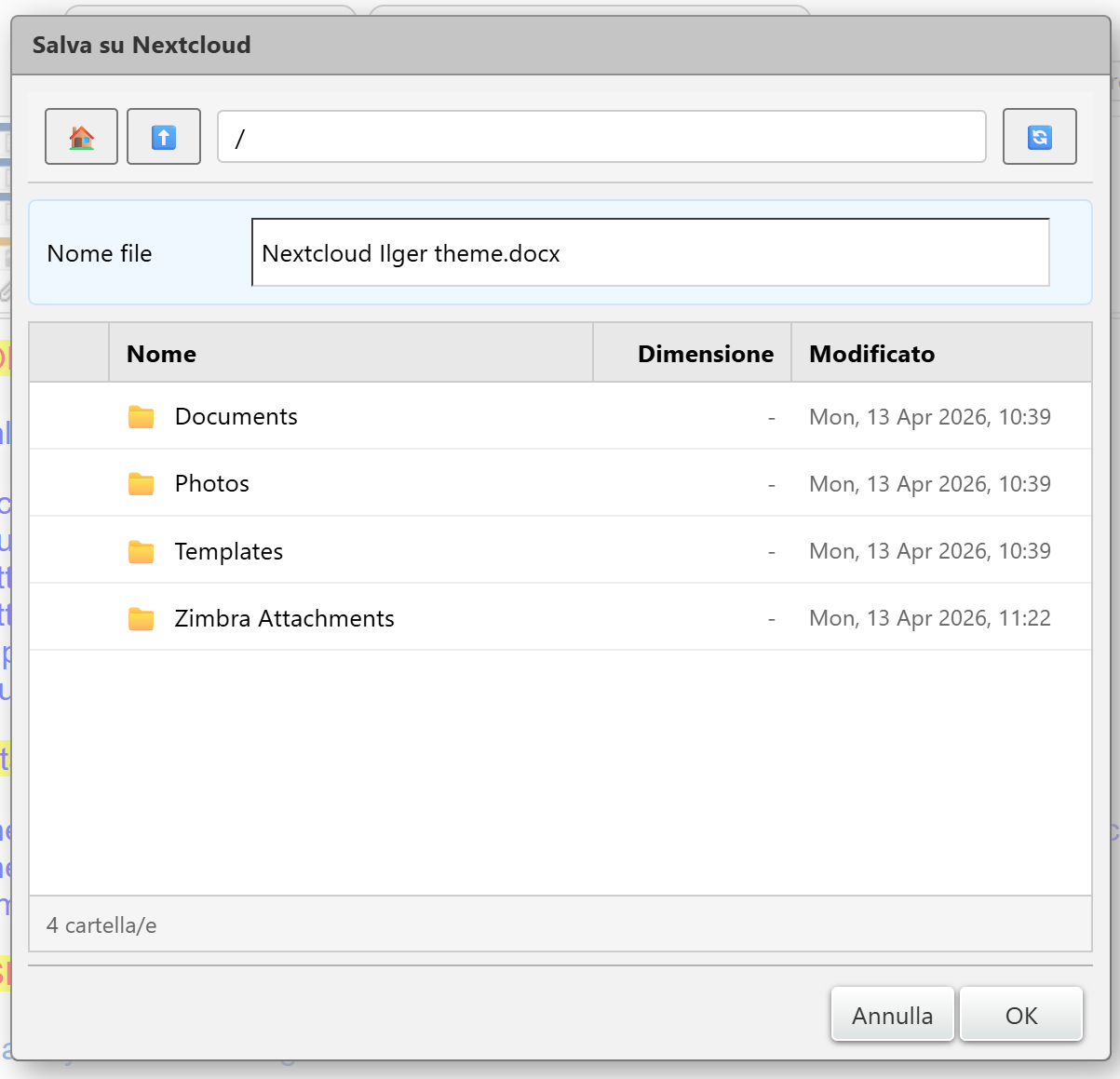
With the new saving option, you can archive attachments received via email directly to Nextcloud.
Benefits include:
- Centralized backup
- Improved document organization
- Instant sharing with your team
- Greater version control

Account Setup
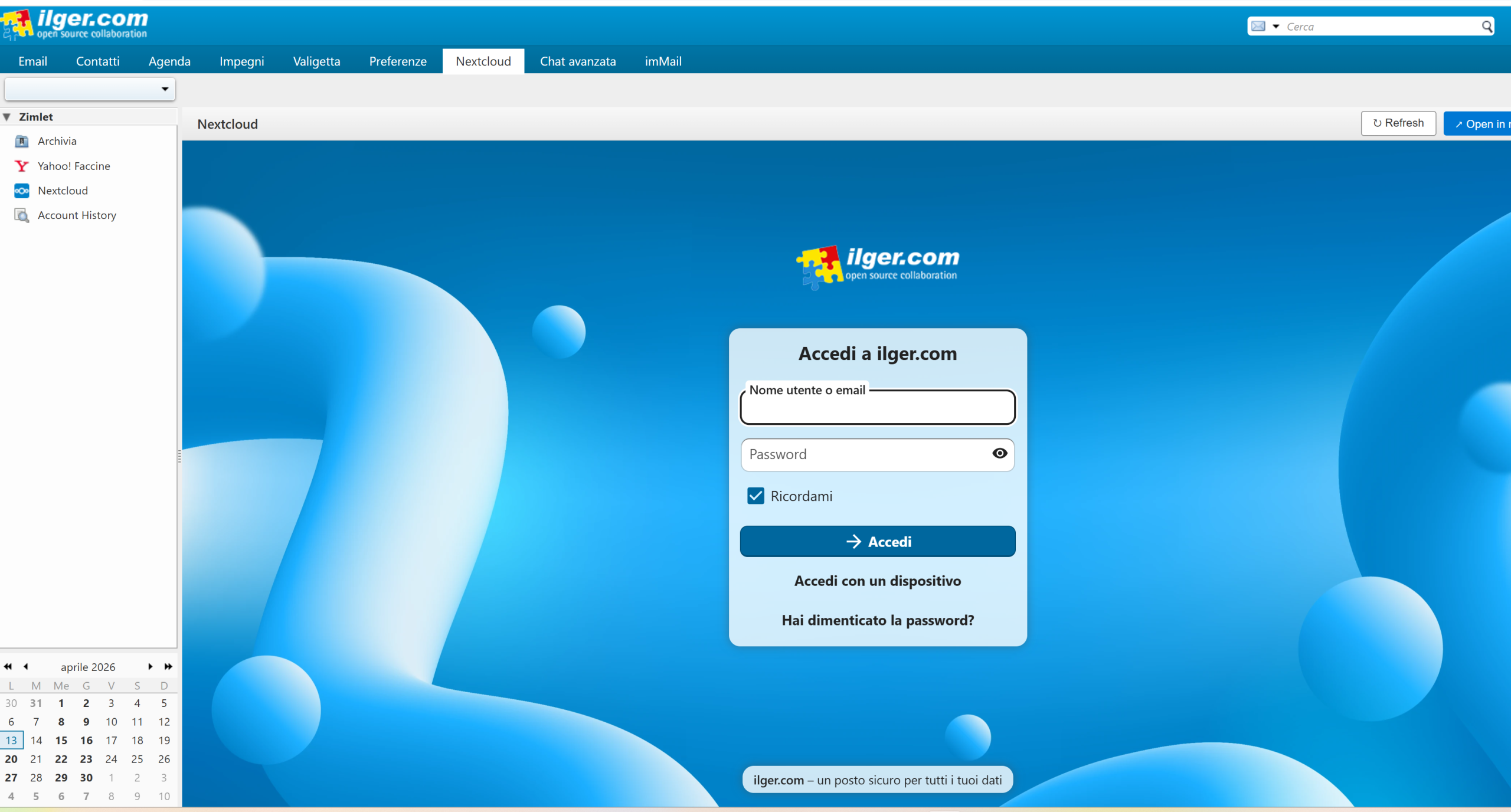
To set up your account within the zimlet, click the Nextcloud tab and, after entering the NextCloud server, username, and password provided during service activation, click the “OK” button.
Using the NextCloud Client
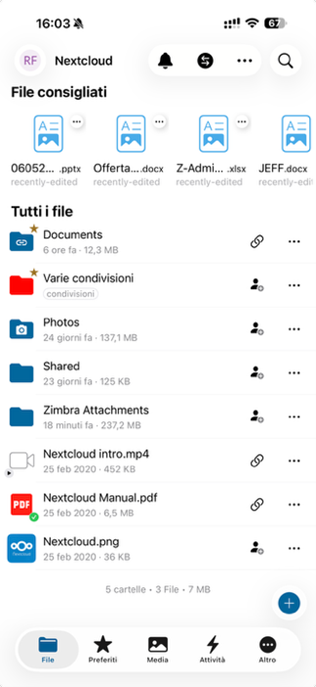
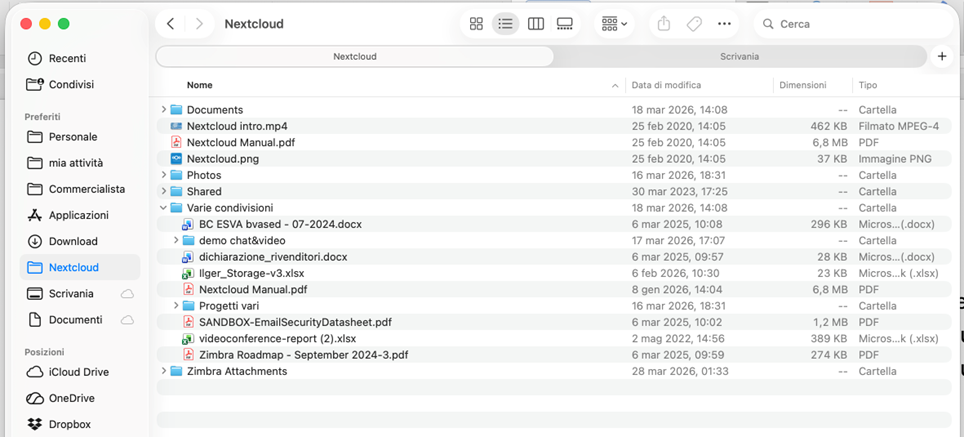
The Nextcloud client is an application that allows you to synchronize files between your computer (or smartphone) and a Nextcloud server, much like Google Drive or Dropbox-but with more control over your data.